I’m not comfortable with software. Is OmniStay right for me?
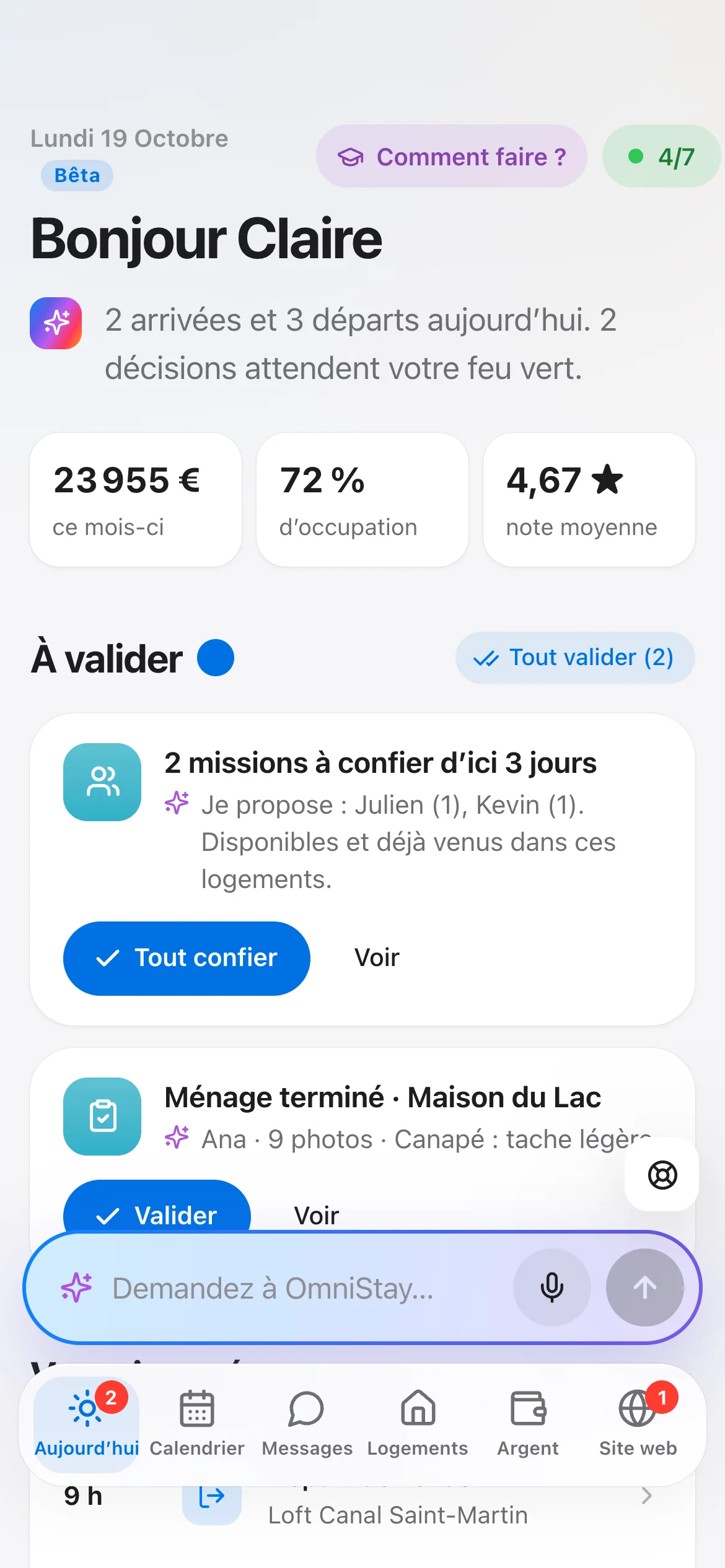
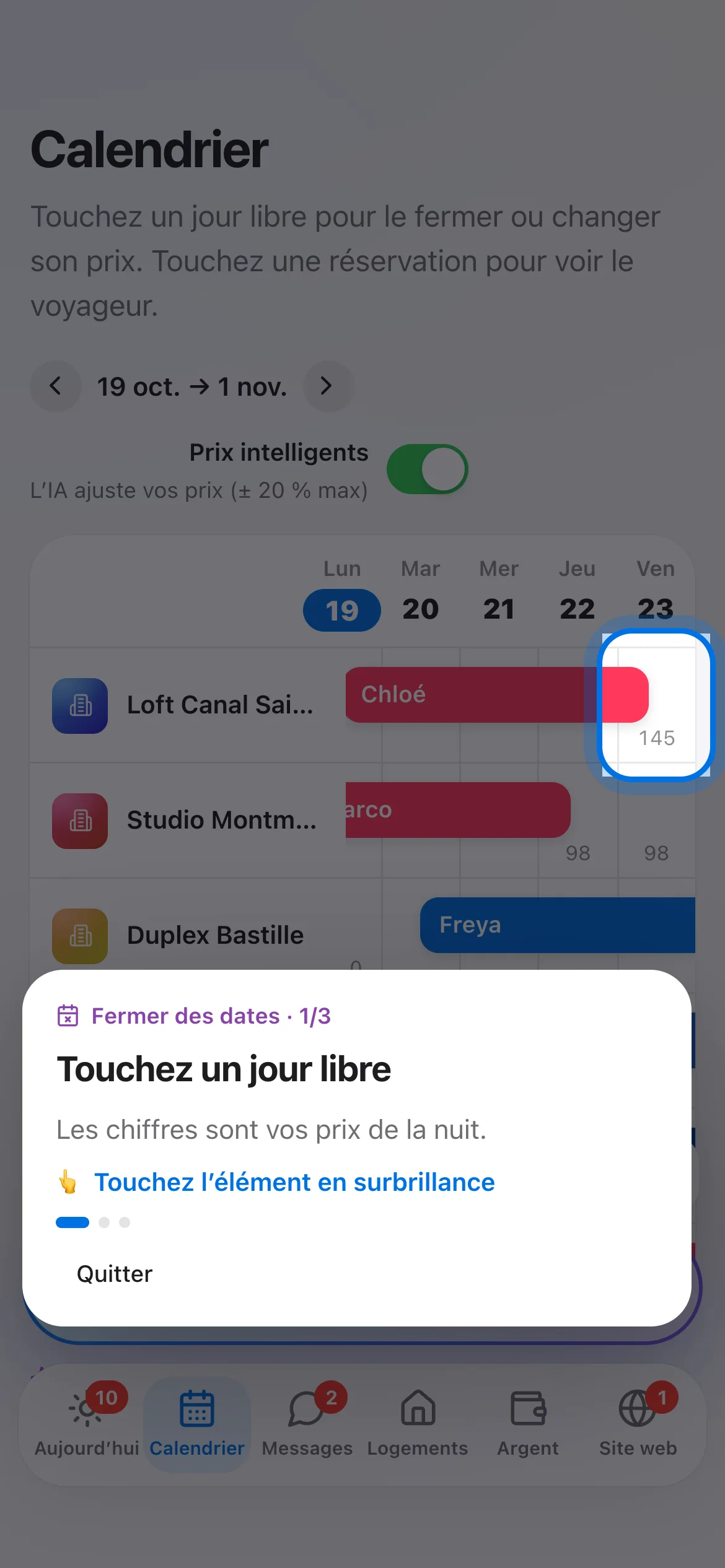
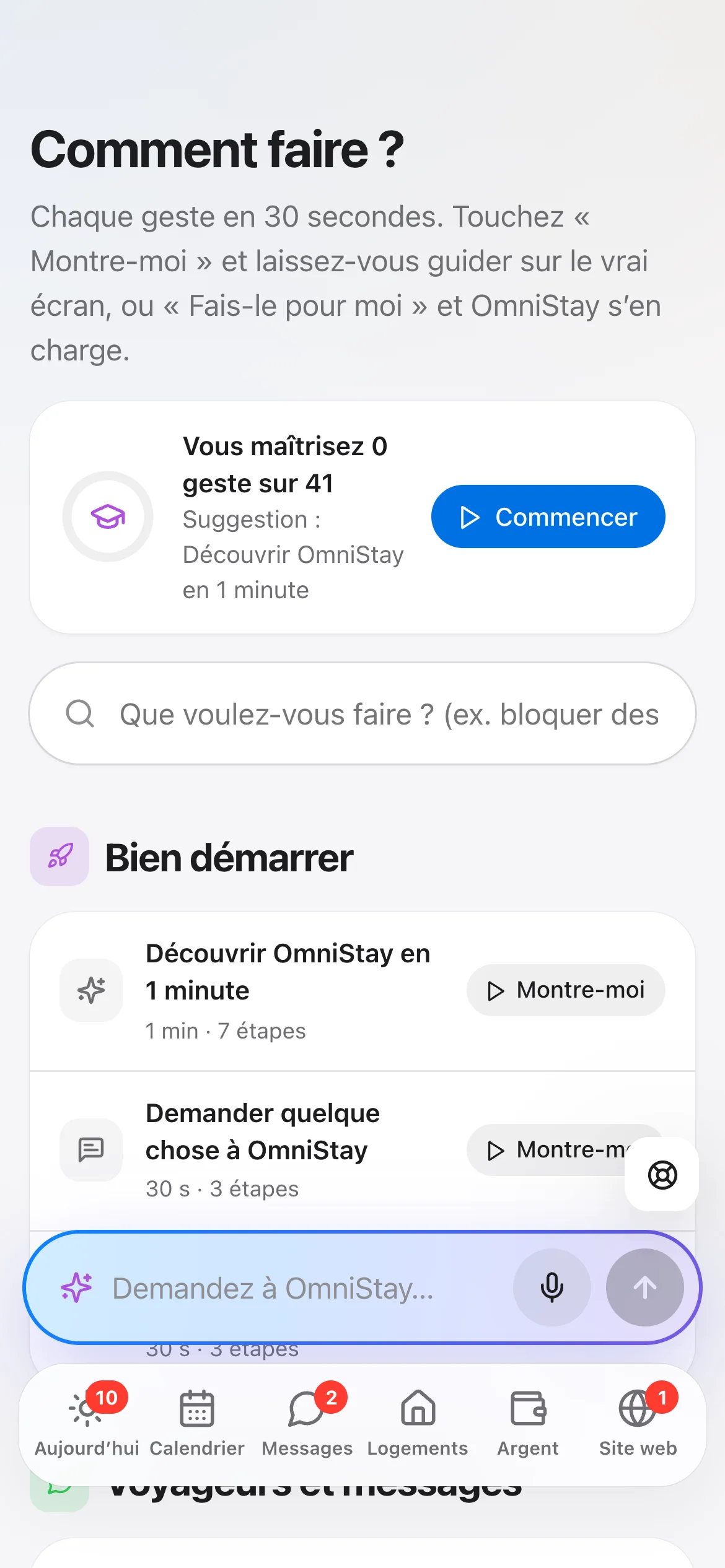
Yes, that’s exactly why it exists. AI prepares each decision, and you approve with one tap. For every question, a walkthrough shows you what to tap on the real screen, or, with the AI assistant, does it for you.
How long does it take to get started?
A few minutes. You create your account, then connect your Airbnb account: OmniStay creates your listings with their photos, prices and bookings, without changing anything on your listings until you agree. Booking.com, Vrbo and Expedia connect in the same place. A walkthrough shows you every step.
Could the AI tell my guests just anything?
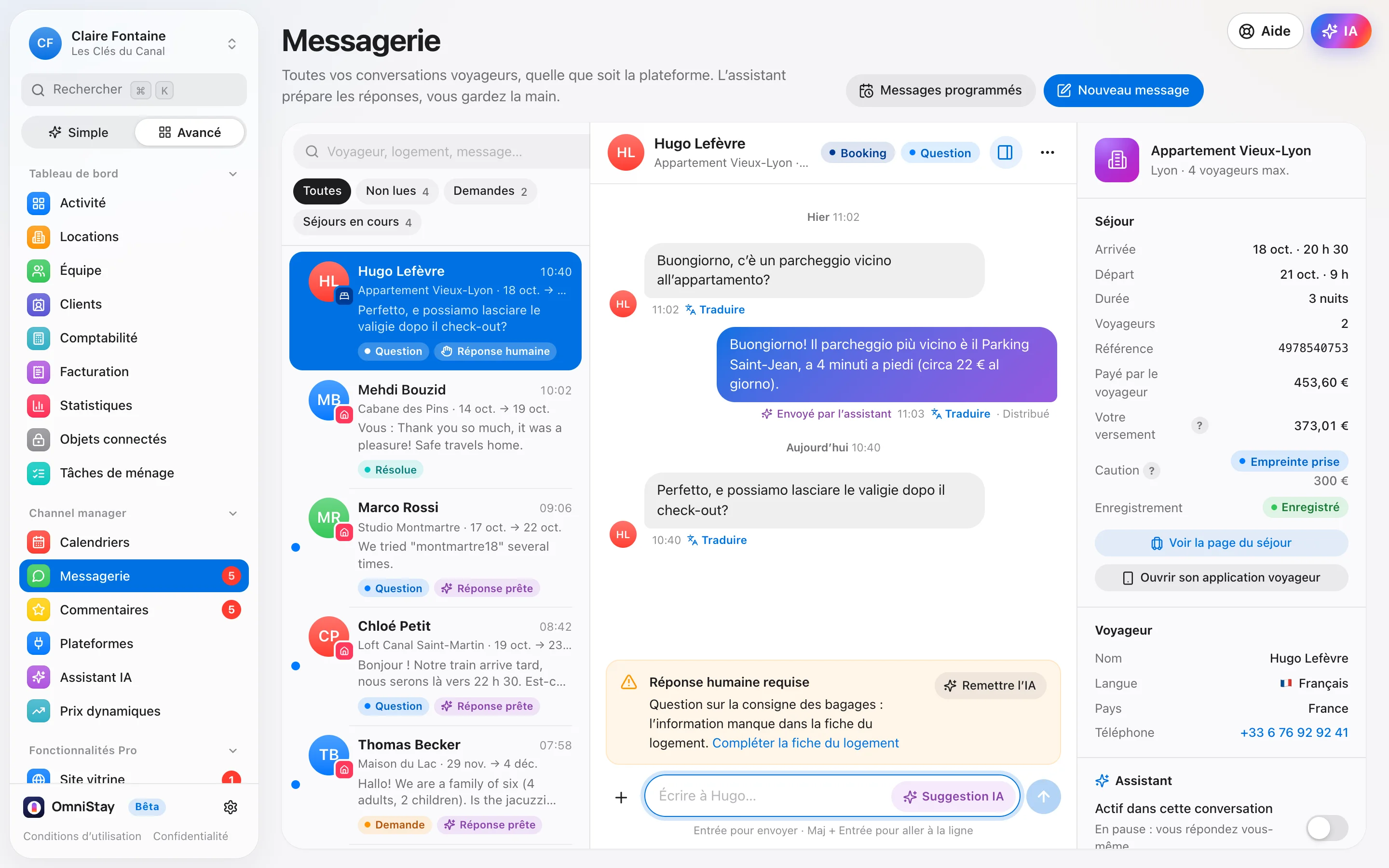
No. The assistant only uses the information about your property, the stay and the conversation: it never makes up a time, a price, a code or an amenity. If information is missing, it doesn’t answer in your place: it hands back to you and tells you what to add to the property details. Complaints are best kept on copilot: you are the one who replies.
Can I take back control of the AI at any time?
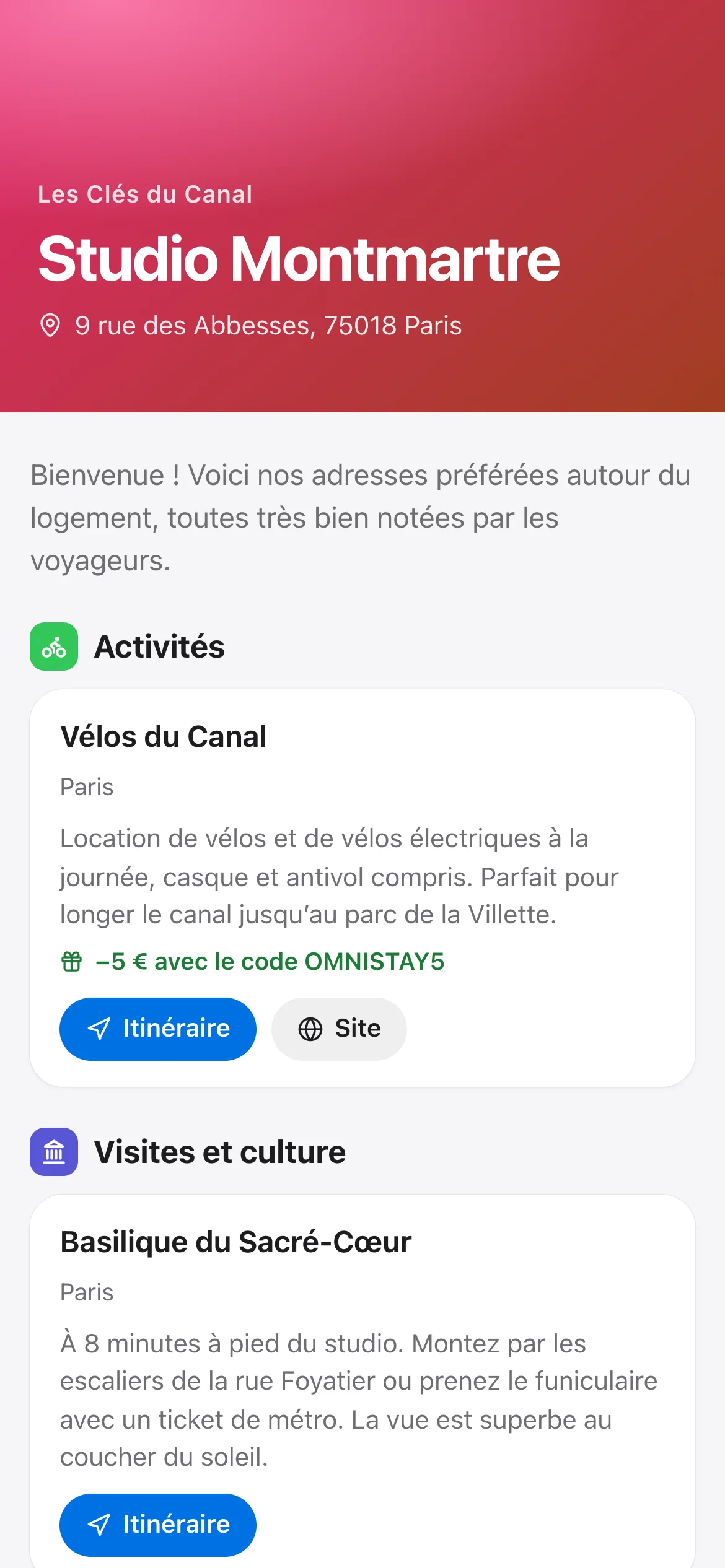
Yes. Topic by topic (Wi-Fi, arrival, parking, checkout, recommendations, special requests, complaints), you choose: off, copilot (it prepares, you send) or autopilot (it replies on its own). Nothing goes out on its own until you turn on autopilot, and you stop it with one tap: everything then goes through you again. Every message sent stays visible in the conversation.
I’m switching software: will I lose bookings?
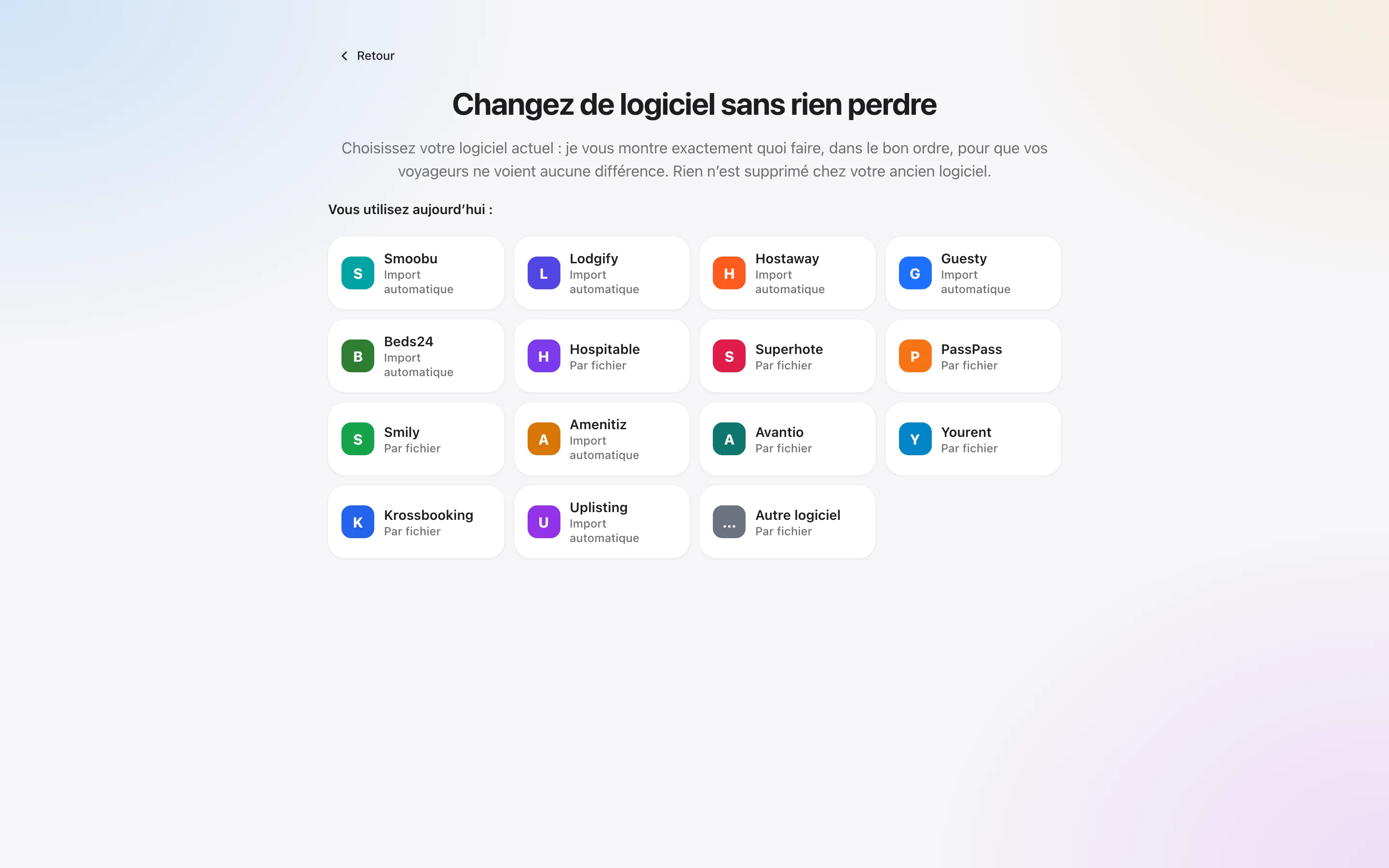
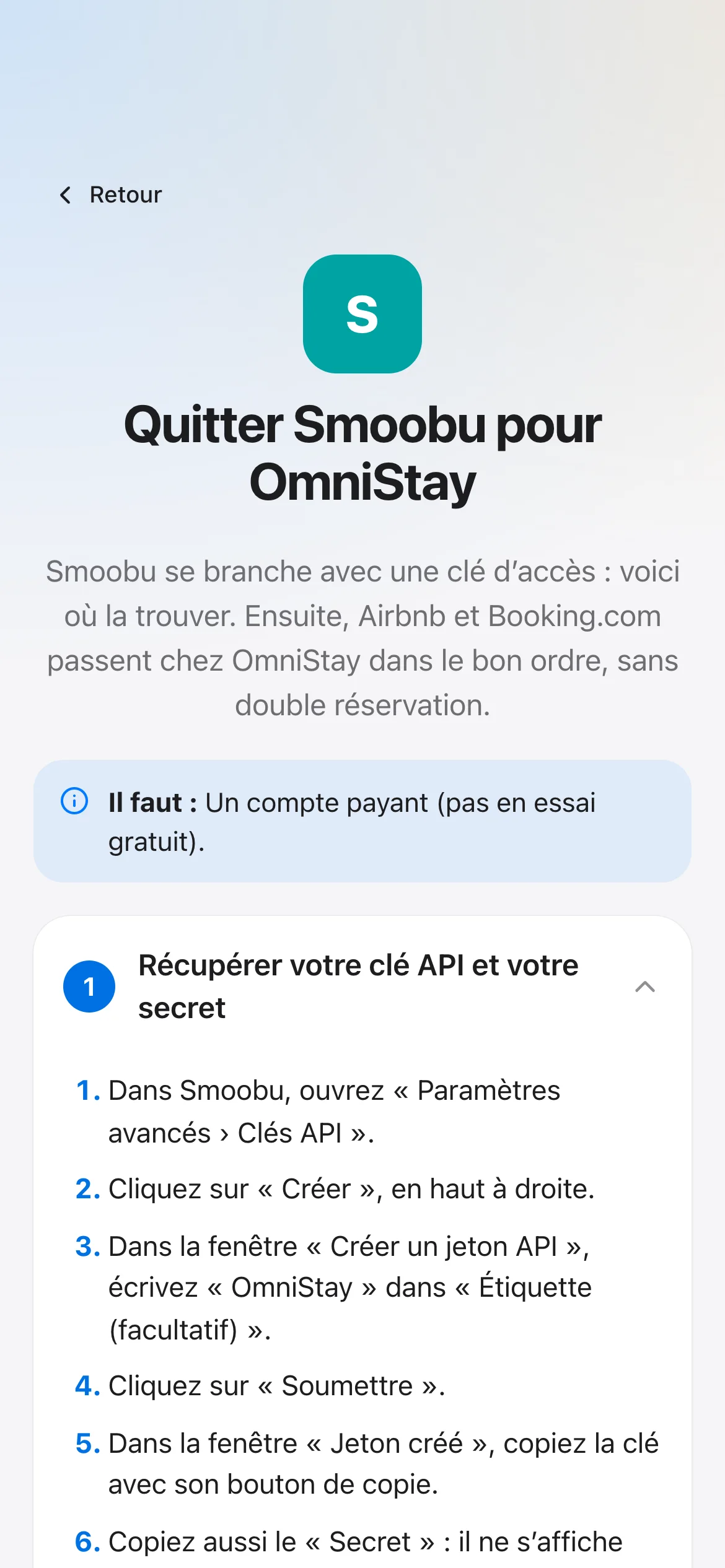
No. Your listings stay online throughout the switch. The guide for your old software tells you the order of every step: you connect your listings to OmniStay, then disconnect them from the old one.
Which platforms does OmniStay work with?
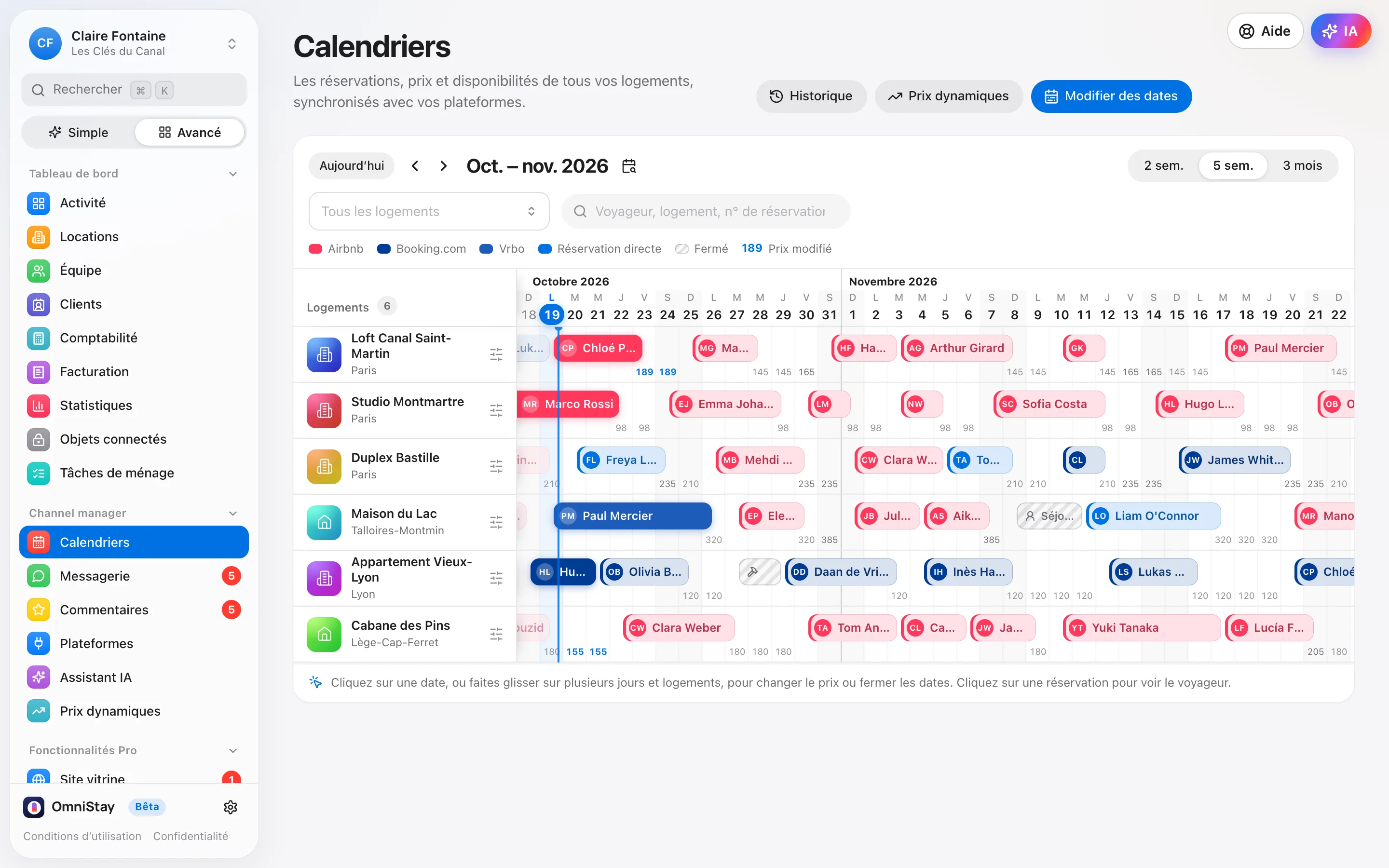
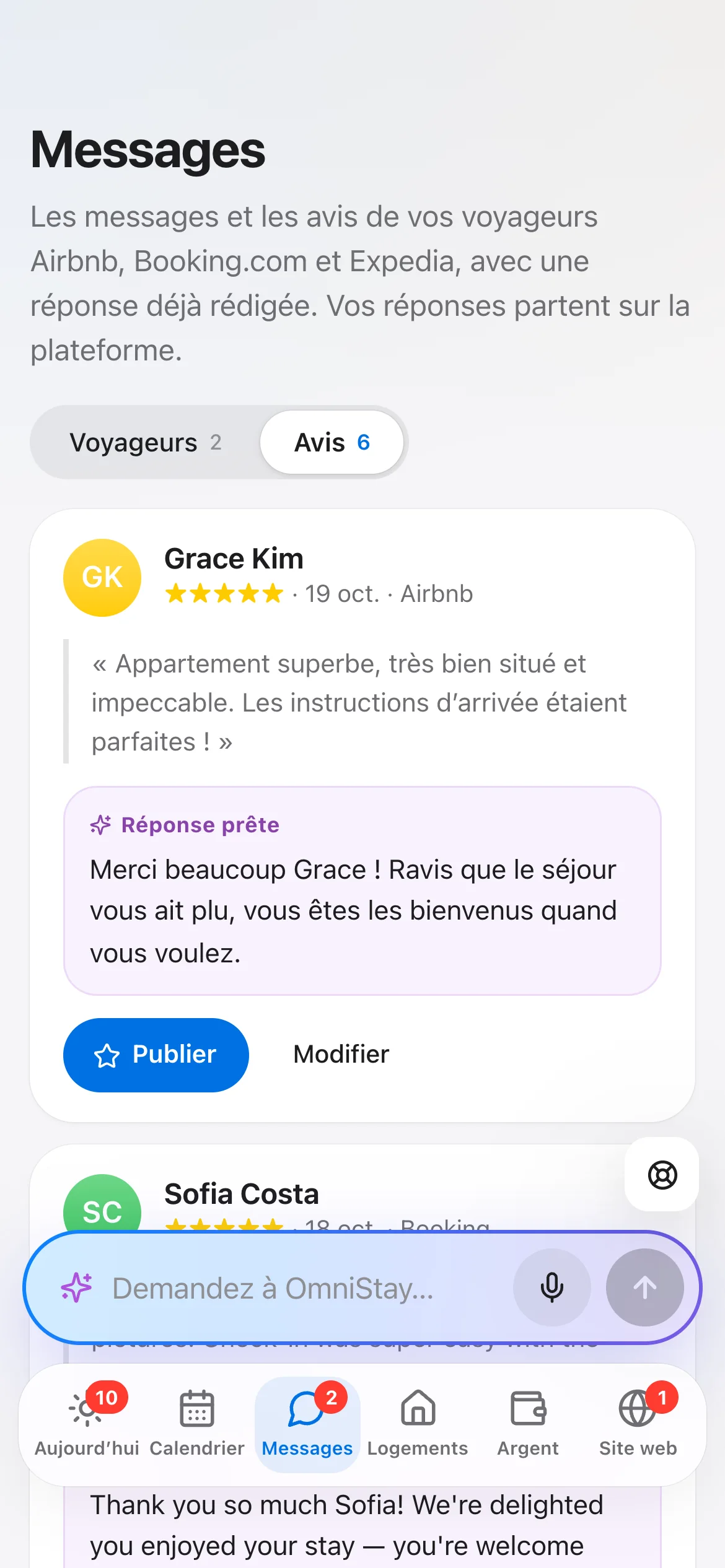
Airbnb, Booking.com, Expedia and Vrbo (Abritel), synced in real time, as well as your direct bookings. Prices, availability, bookings and guest messages all go through the same interface. Other sites connect through their iCal link.
How does my cleaning team receive their jobs?
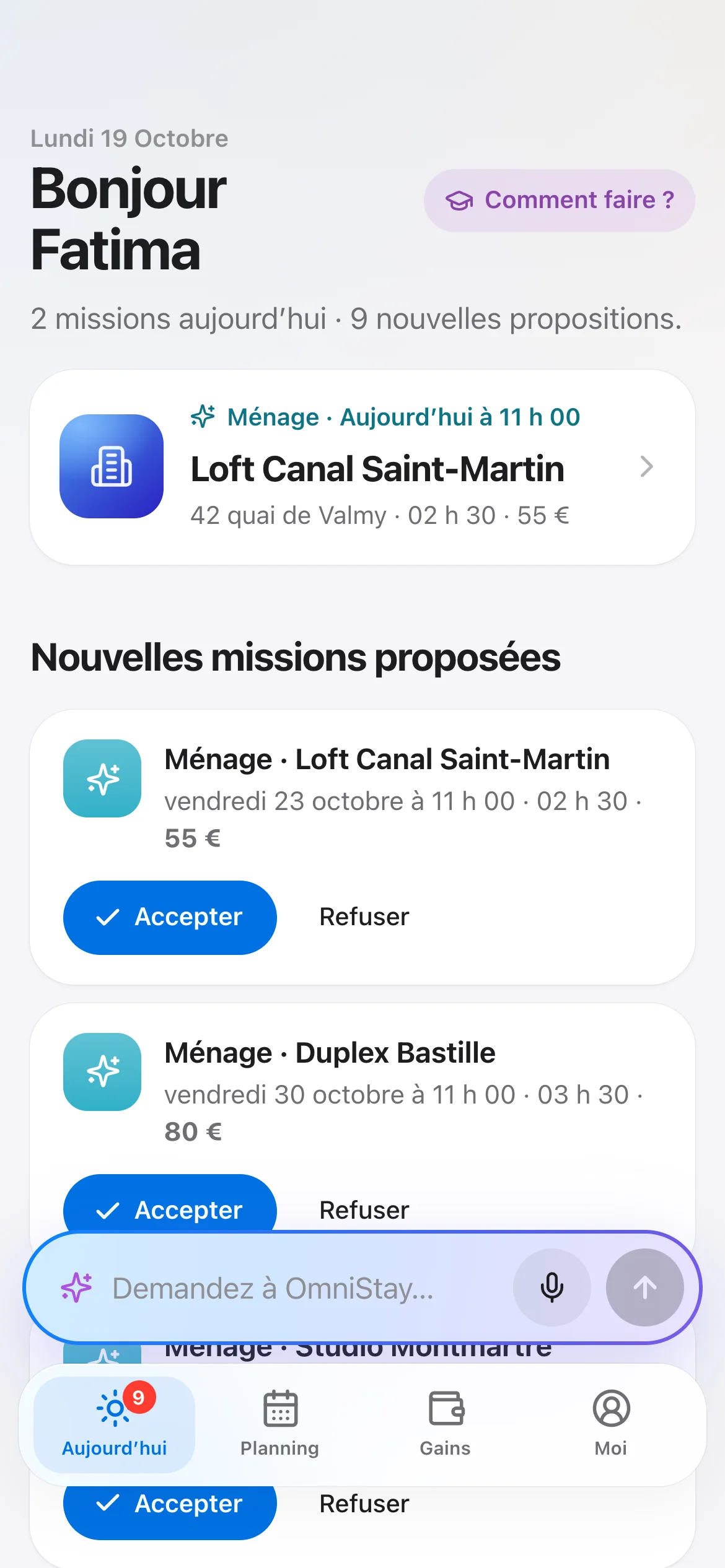
You add the person in Team, then send them their invitation link by text or WhatsApp. They install the app on their phone: their jobs arrive after every checkout, with the room-by-room checklist, and they send their photos when the cleaning is done.
Do my team, owners and guests have to pay?
No. The team app (cleaning, key handover), the owner portal and the guest app are included, with no limit on people. You only pay for your listings.
What about mandatory e-invoicing?
OmniStay issues your quotes, invoices and credit notes, and gives you the invoices, deposit invoices and credit notes in Factur-X, the French e-invoicing format. You import them into Tiime, an approved platform, which sends them to your clients.
Does OmniStay handle security deposits too?
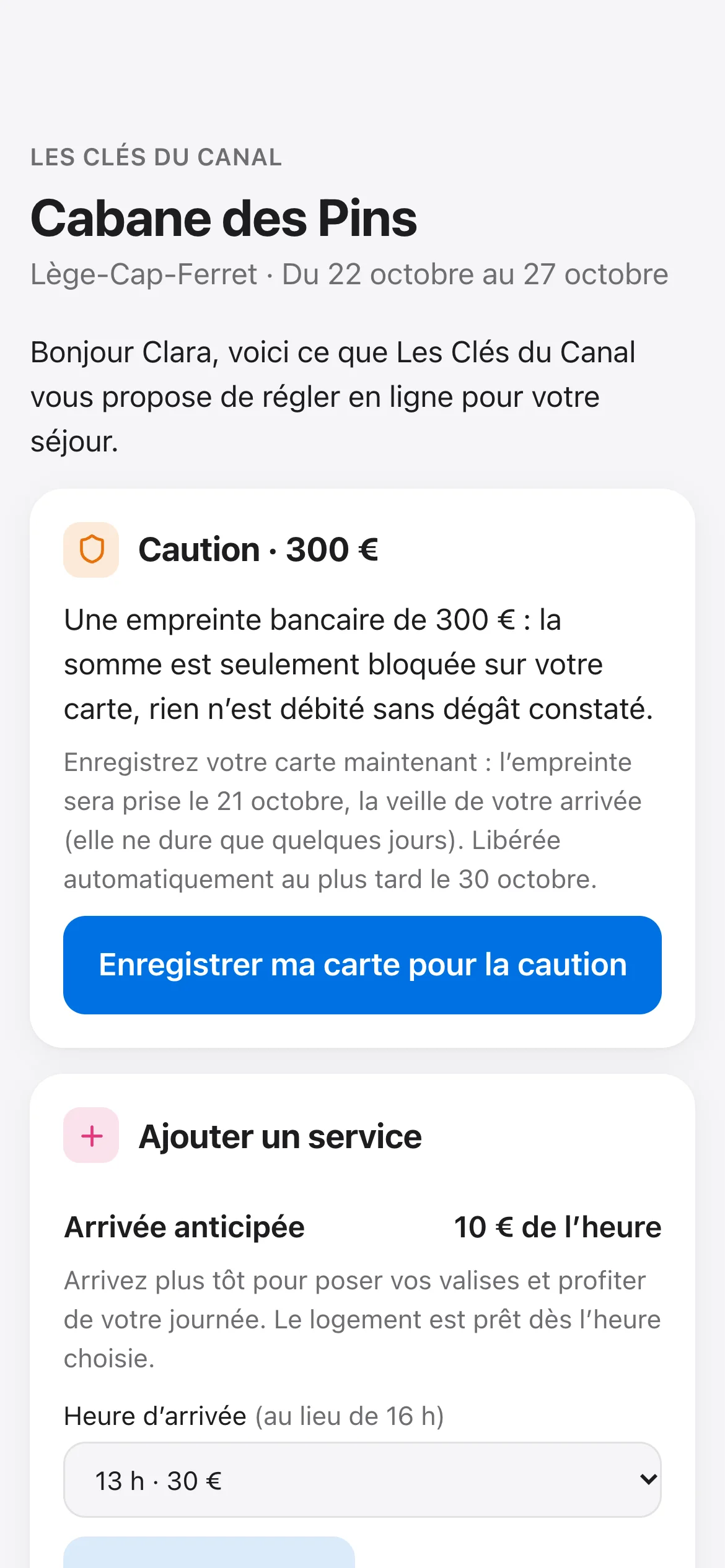
Yes, with the Payments add-on. The deposit link goes out on its own in the welcome message; the guest enters their card on Stripe’s secure page. The hold is placed the day before check-in, then released automatically after checkout, or charged in one tap if there’s damage. The deposit and direct stays are paid into the owner’s Stripe account, extras into the property manager’s: OmniStay takes no commission, only Stripe’s usual fees apply (1.5% + €0.25 per European card).
Are there any extra fees?
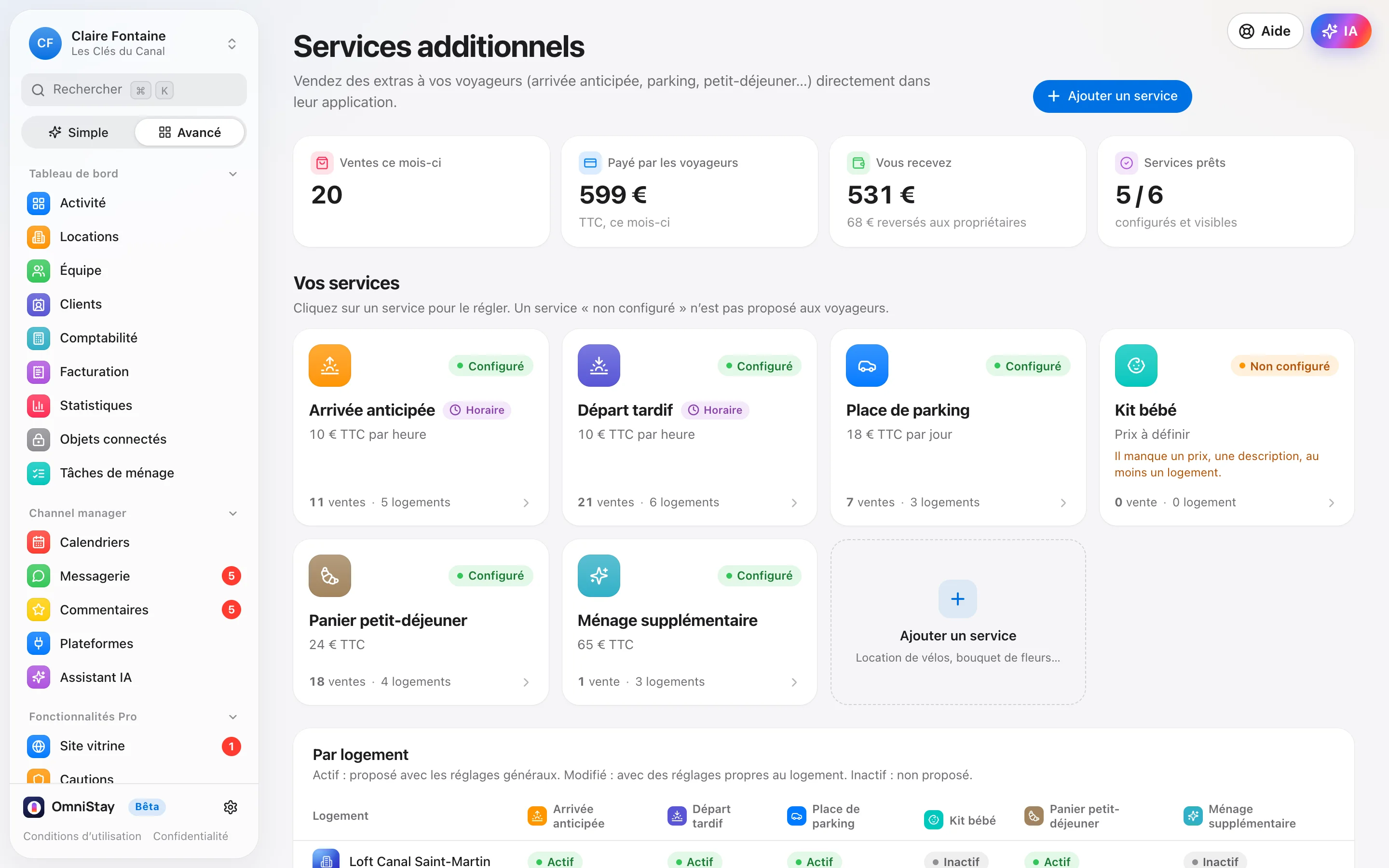
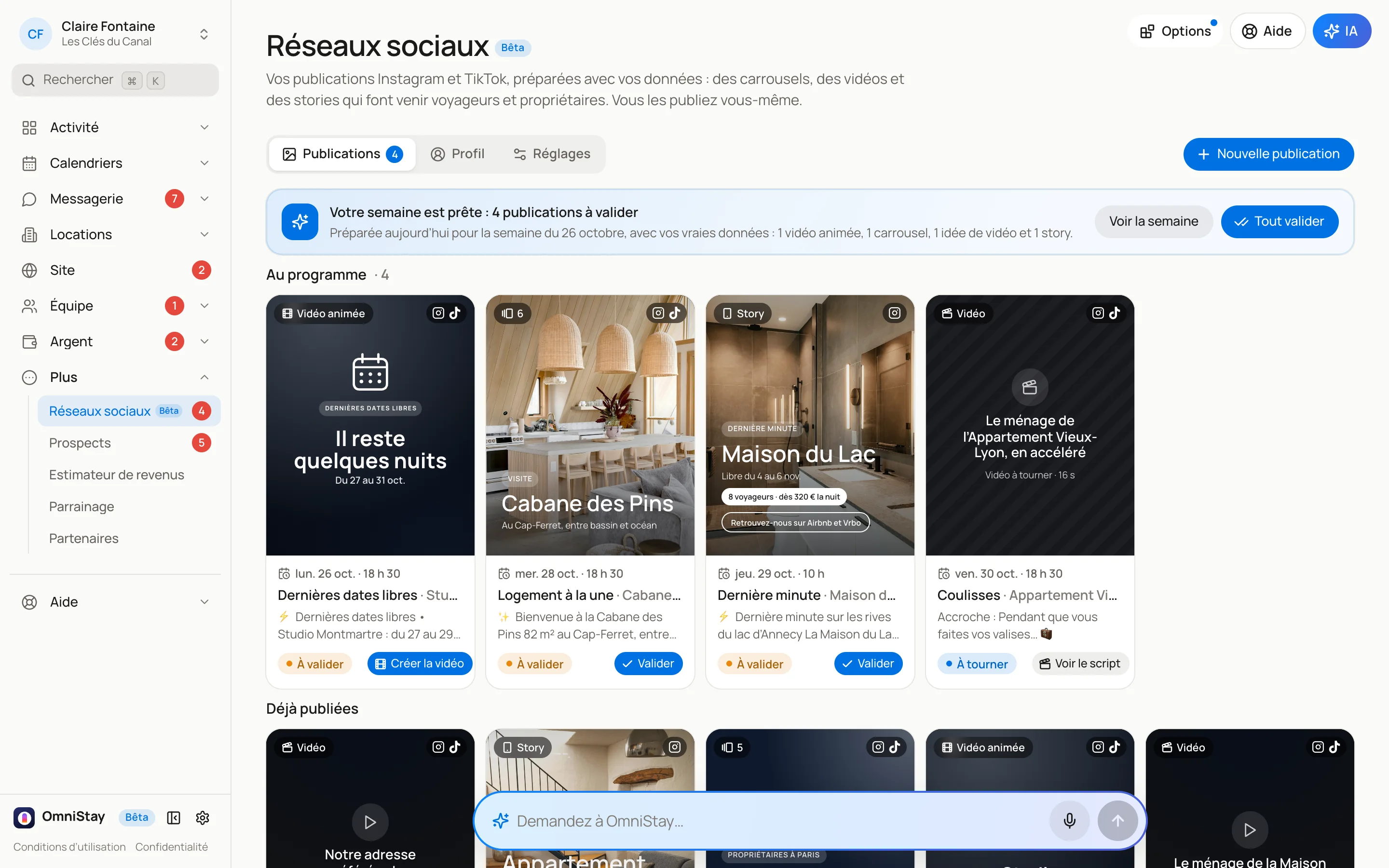
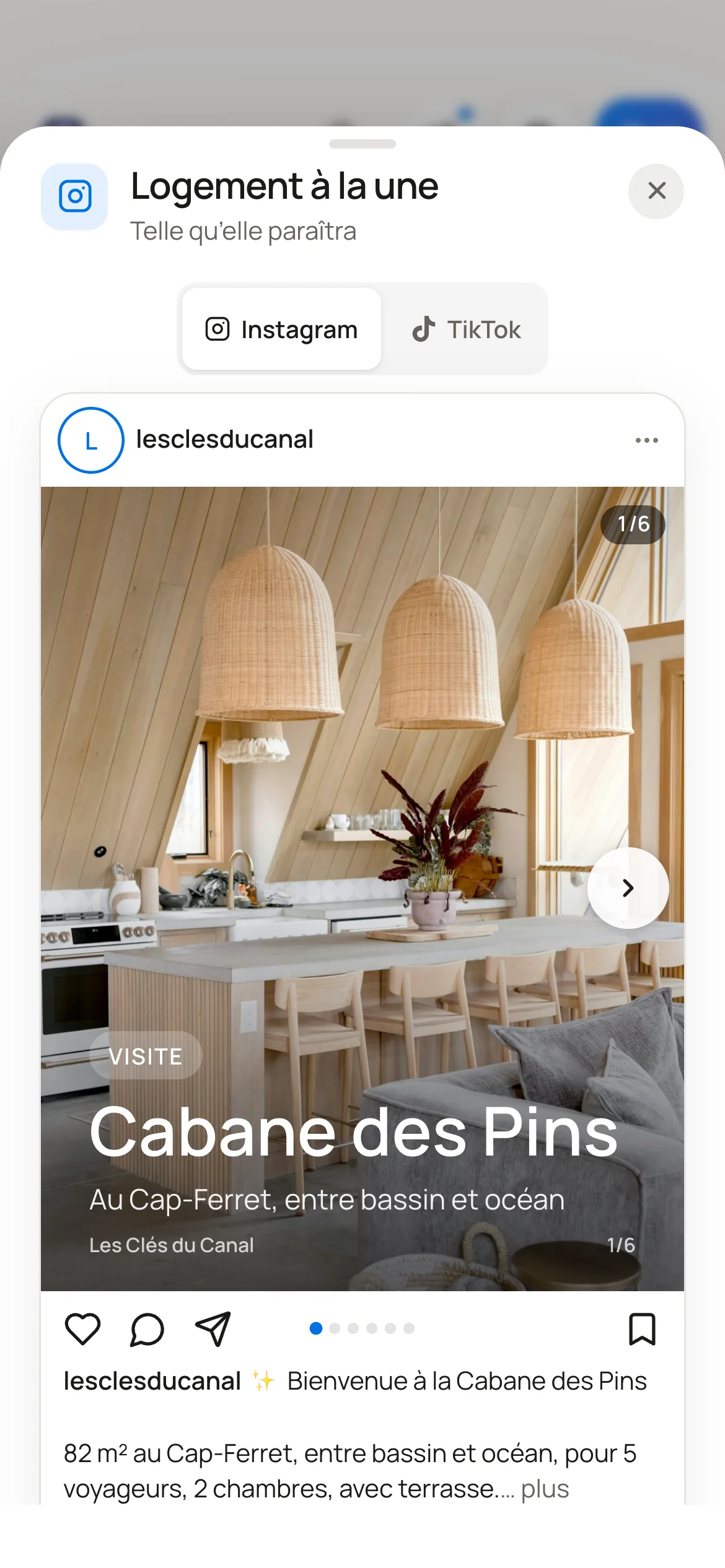
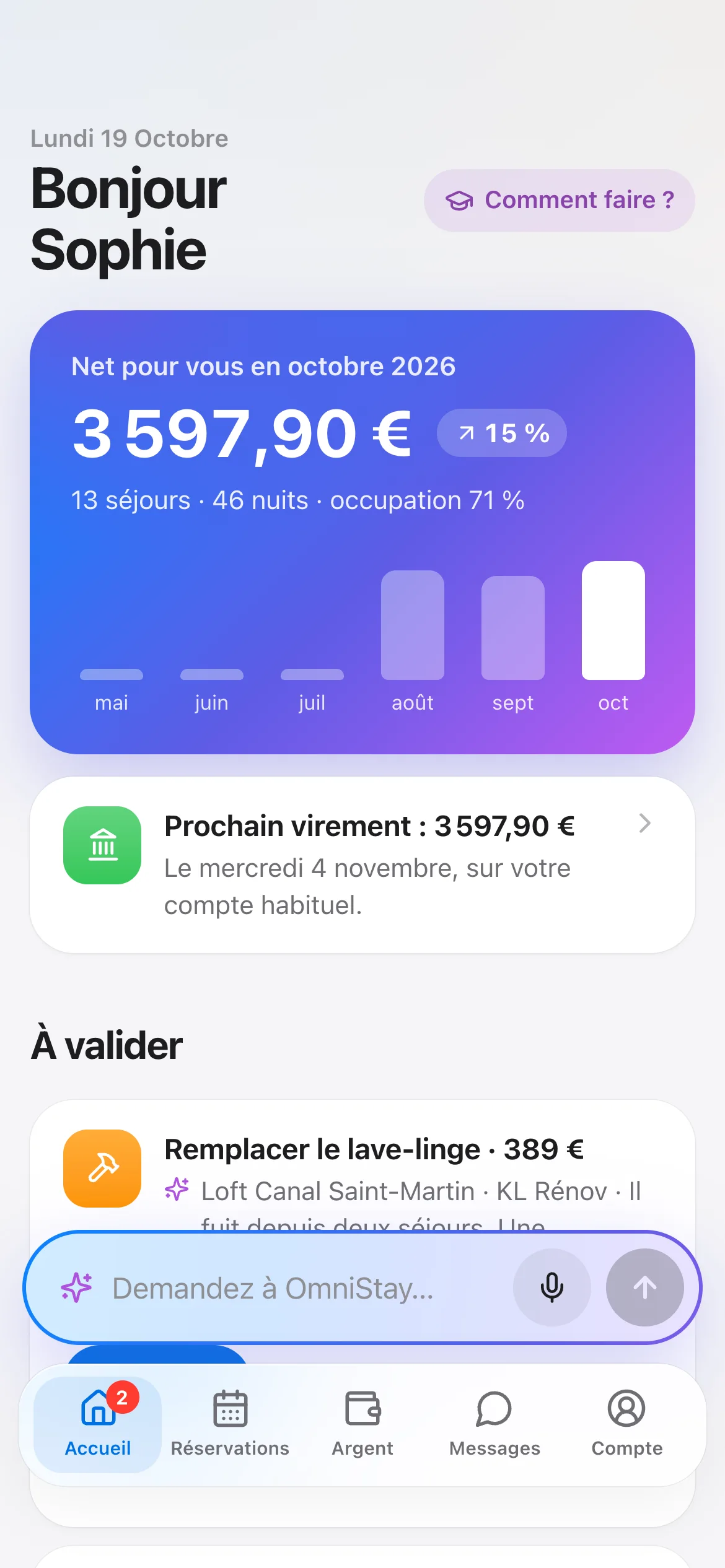
No. €9.90 per listing per month, with calendar, messages, team, owners and statements included: no setup fee, no per-user licence. To try before you pay, the demo is free, no account needed. If you wish, add-ons are available with no commitment: AI Assistant, Showcase website, Payments, WhatsApp and SMS, and Social media.
Can I stop whenever I want?
Yes. The subscription is monthly and has no commitment. You can also export your data at any time.
Where is my data stored?
In a database in Paris, backed up every day. Your data and your guests’ data are never sold.